

To add a free shipping progress bar in WooCommerce, configure a native free-shipping method first, then let HookSpark Side Cart read that method for the customer’s destination. The bar explains eligibility; it does not create a shipping discount or replace WooCommerce shipping rules.
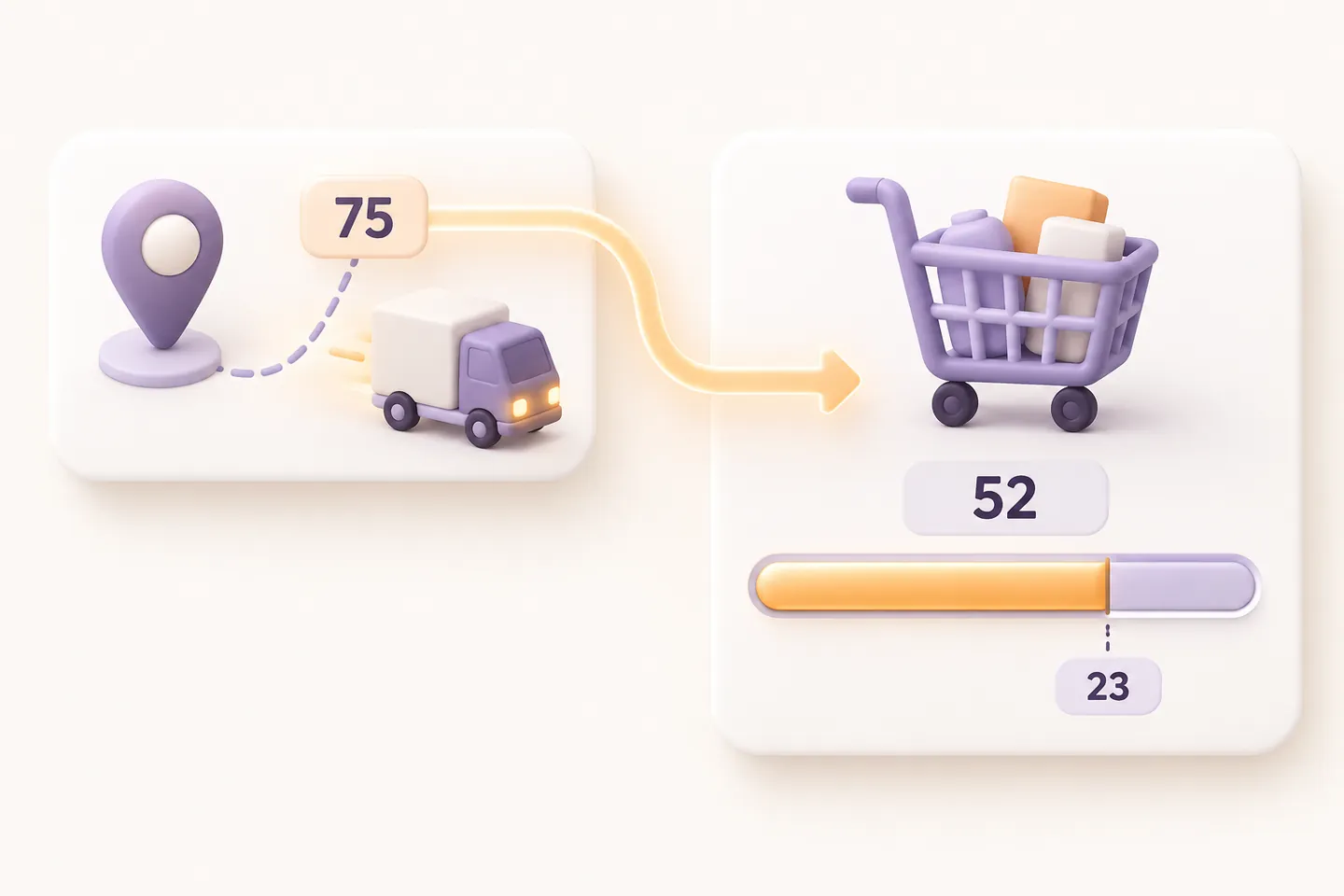
Our example uses one physical product costing €52 and free shipping from €75. With a known eligible destination, the cart needs €23 more. Adding a second product costing €23 reaches €75. Use the Premium Side Cart feature described here, not an assumed capability of the Free edition.
What the progress bar should tell shoppers
The useful answer is “how much more for this destination?”, not a universal store-wide promise. A different country, postcode, coupon or shipping package can change eligibility. In this simple test, use untaxed products, one shipping package and no coupon so the arithmetic is easy to verify. Your production store may use a different qualifying subtotal.
1. Set the native free-shipping threshold
On staging, open WooCommerce → Settings → Shipping → Shipping zones. Edit the zone that matches your test address and add the native Free shipping method. Choose A minimum order amount and enter 75. Save the method and zone. Keep a paid shipping method available below the threshold if that is how your store should operate.
WooCommerce’s “Free Shipping” documentation distinguishes minimum-spend, coupon-only, OR and AND requirements. Its coupon-discount option also changes which amount is compared with the threshold. Source: WooCommerce documentation, consulted October 23, 2026. This walkthrough uses only the minimum-spend requirement; it does not assume that spending alone satisfies an AND-coupon policy.
2. Enable progress in Side Cart and publish
With the licensed Premium plugin installed, open HookSpark → Side Cart → Cart & appearance. Enable Side Cart and Show free-shipping progress. Review the rest of the draft, save it and select Publish when ready: Save draft alone does not update the storefront. Open your actual cart drawer or modal as a shopper; do not assume a competing theme drawer is the HookSpark cart.
3. Test €52 → €75 → €52
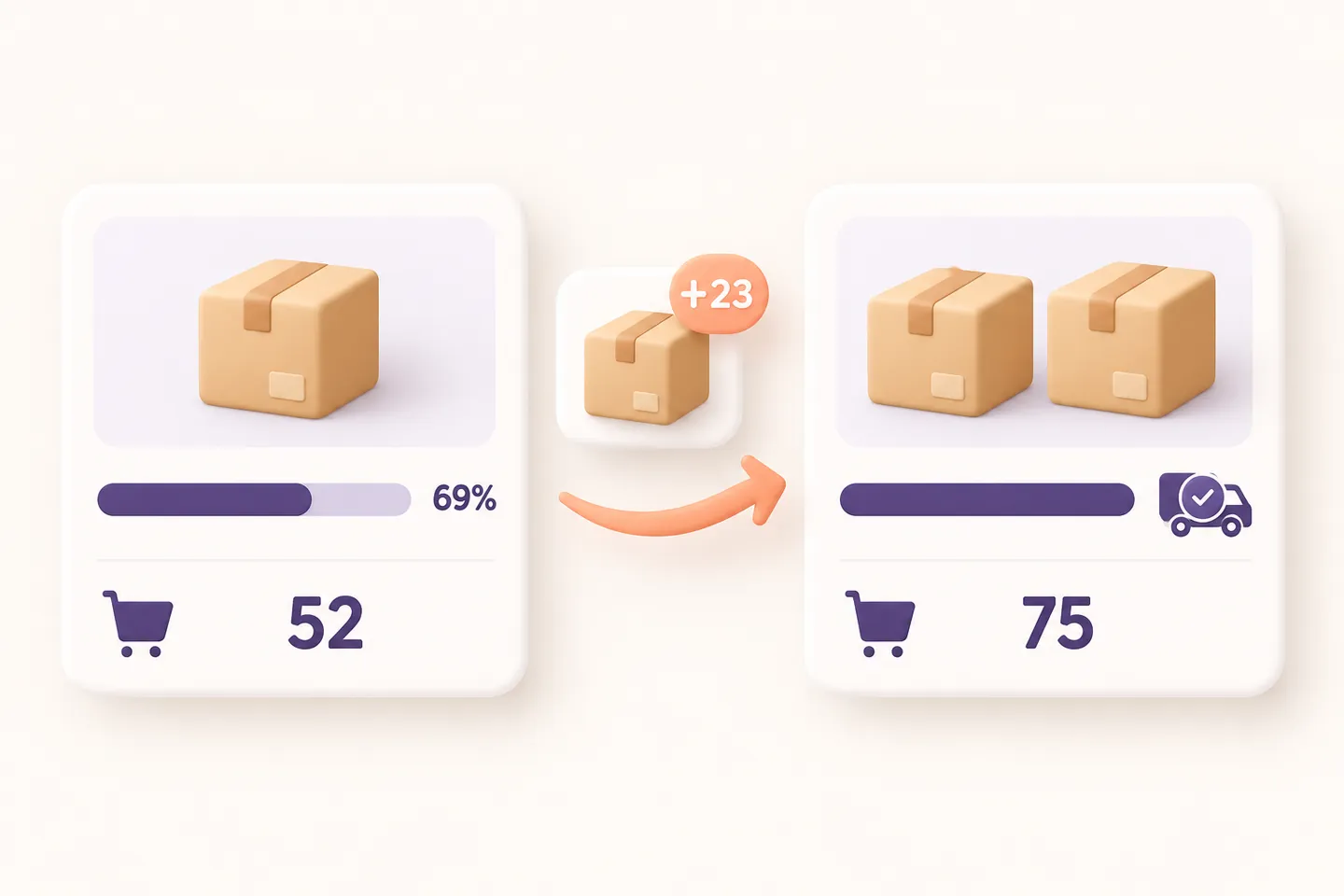
Add the €52 physical product. Supply an address covered by the configured zone through the normal WooCommerce address flow, then reopen or refresh Side Cart. Before the destination is known, the progress can correctly stay hidden. With the eligible destination and calculated shipping, expect 23 remaining and about 69% progress.
Add the €23 product. Check that WooCommerce actually offers a zero-cost native free-shipping rate and the cart shows the reached state. Availability is not a guarantee that a different shipping service has been selected for the order. Remove the second product: the cart must return to 23 remaining. This reverse test catches a message that was never refreshed.
Why is the free-shipping bar missing?
| Check | What to inspect |
|---|---|
| Unknown destination | Enter an eligible shipping address and let WooCommerce calculate shipping |
| Digital-only cart | No shipping progress is needed for products that do not ship |
| Coupon-only method | More spending does not replace a required free-shipping coupon |
| Multiple packages | A single cart-wide promise may be unsafe; this adapter hides it |
| Third-party shipping rules | Custom rates/availability filters need separate verification |
| Draft only | Publish the enabled configuration and refresh the real HookSpark cart |
Coupons, taxes and your final checks
Repeat the test with your actual tax-display settings, coupon rules and destination changes. A €75 grand total is not necessarily a €75 qualifying subtotal. Do not hard-code a second threshold in a marketing banner and assume it agrees with the native method. For contextual text rather than a numeric shipping meter, see WooCommerce cart notices tutorial. A minimum purchase restriction is another task, covered by minimum order amount guide.
Does the bar enable free shipping by itself?
No. Configure the native shipping method first. The cart reports the supported method’s eligibility and confirmed availability.
Can every visitor see it immediately?
Not necessarily. It can stay hidden until shipping has been calculated for a known destination. Test the guest address journey, mobile cart and normal cart/checkout fallback before launch. Explore HookSpark Side Cart and the Side Cart documentation for the supported setup.