
 HS Checkout Customizer
for WooCommerce
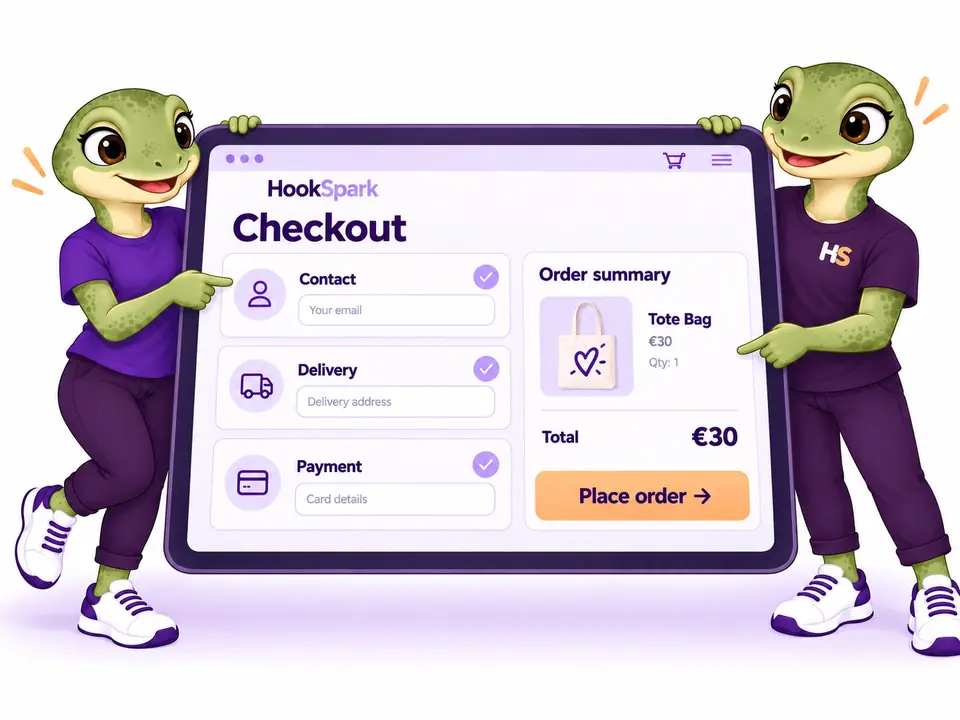
Start with a simple Free checkout, your logo and an accent color. Choose Premium for ten classic designs, guided layouts, visual editing and custom checkout fields.
- Start simply with Free.One responsive layout for classic checkout or Blocks, with native WooCommerce fields and payments.
- Bring your store’s identity.Set your logo and an accent color in Free; add more visual controls in Premium.
- Choose a richer design with Premium.Explore ten classic layouts, including guided steps, and preview a draft before applying it.
- Collect extra details with Premium.Add supported custom fields to classic checkout. Essential native fields stay protected.
€79€59Save €20
First year only · 1 site Then €79/year.
Auto-renews annually. Turn off renewal anytime in your account.
1 year of updates & support included.
30-day first-purchase refund, subject to our business terms and refund policy.
CHOOSE. CUSTOMIZE. PREVIEW.
Customize your WooCommerce checkout page and fields.
Explore the Premium design tools below. For the simple Free layout, logo and accent color, compare the two editions.
Choose a WooCommerce multistep checkout or single-page template.
Choose from ten designs, including a single page, accordion and multistep checkout. Guided presents a linear sequence; Review adds a review screen before payment. Shoppers can return to edit their details, while missing required fields keep the relevant step open.
See how it works →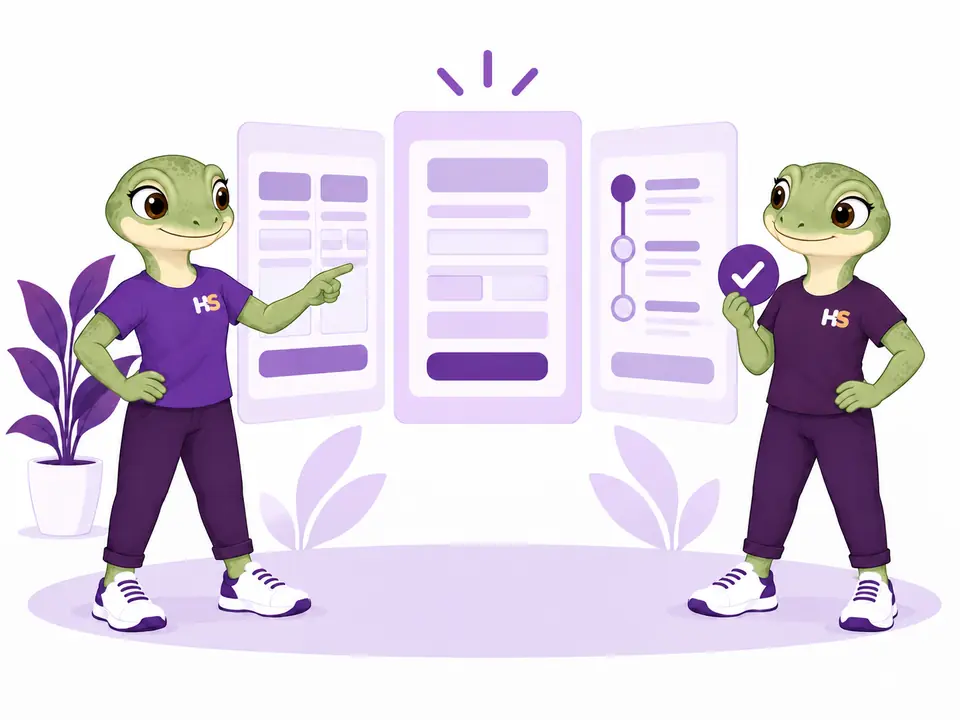
Add checkout fields you need. Remove those you don’t.
Add text, email, phone, long text, dropdowns and checkboxes to your classic checkout. Remove custom fields or hide supported optional fields, so shoppers only answer the questions your order needs. Essential fields stay protected, and previous orders keep their answers.
See how it works →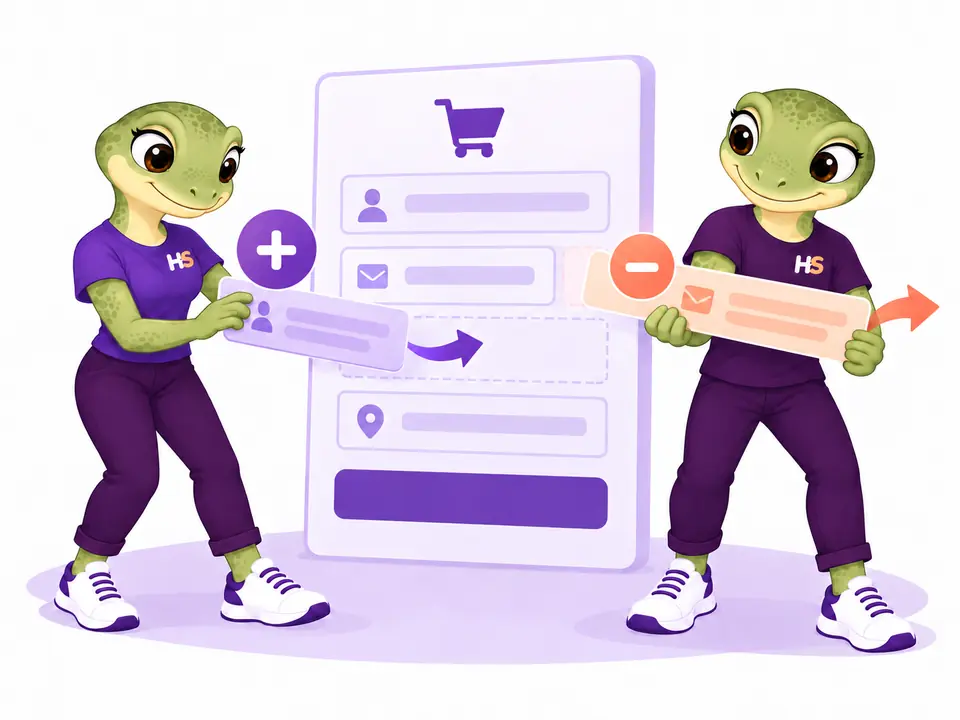
Customize checkout design, colors, logo and text.
Bring your logo, decorative artwork, colors and typography together. Adjust the heading, introduction and help text, with separate control over decorative artwork on mobile.
See how it works →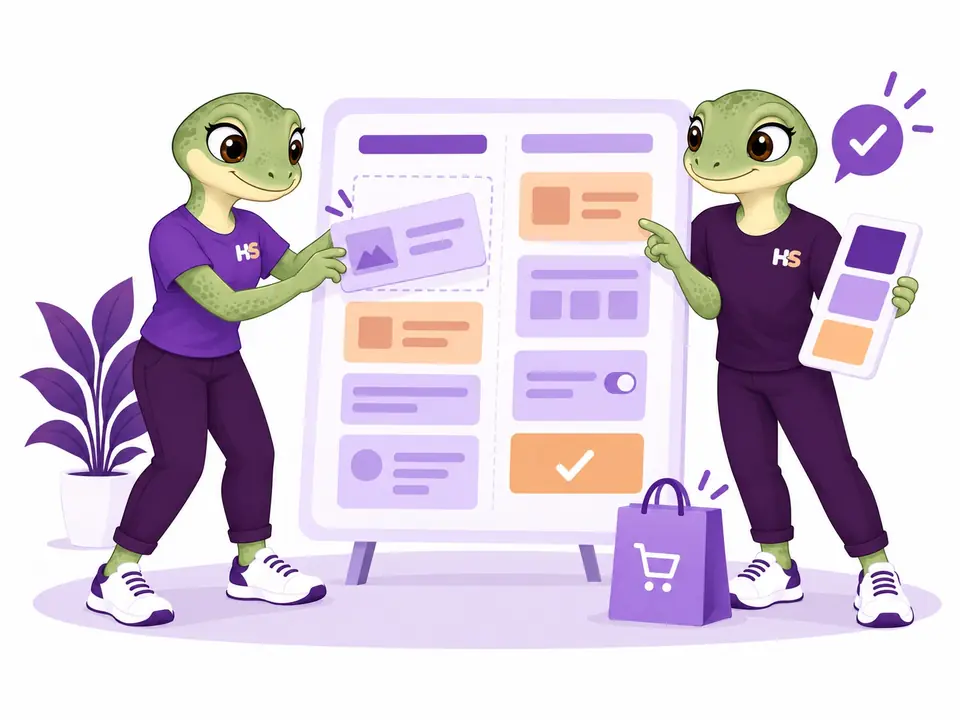
Preview your custom checkout on desktop and mobile.
Keep your draft separate from the active checkout. Check desktop and mobile, save named designs and restore the previous configuration when you need it.
See how it works →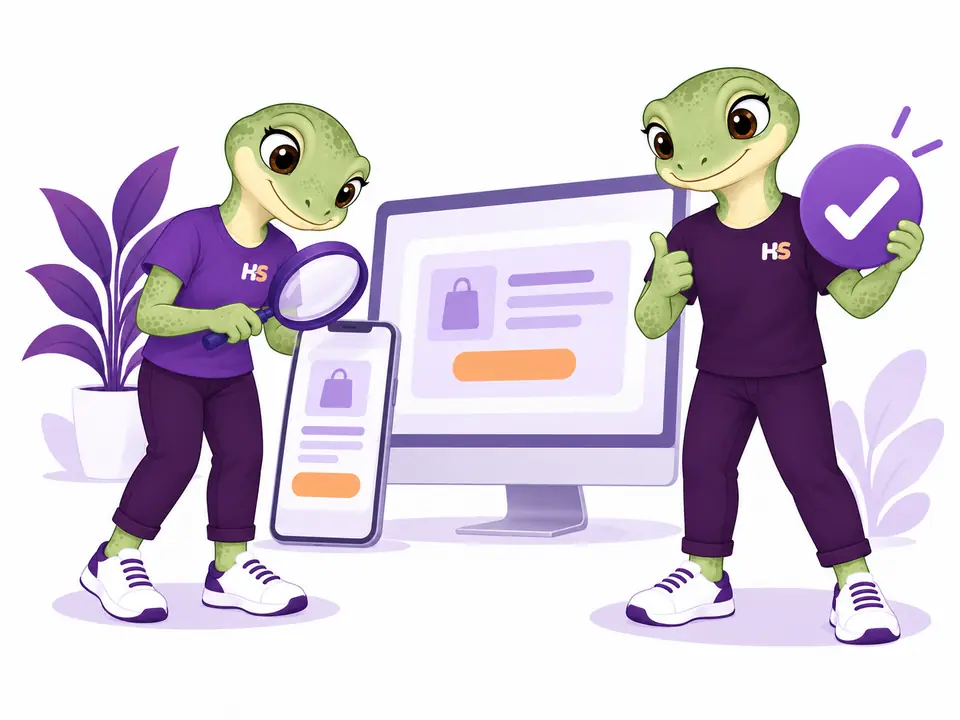
05 / REUSE YOUR DESIGN
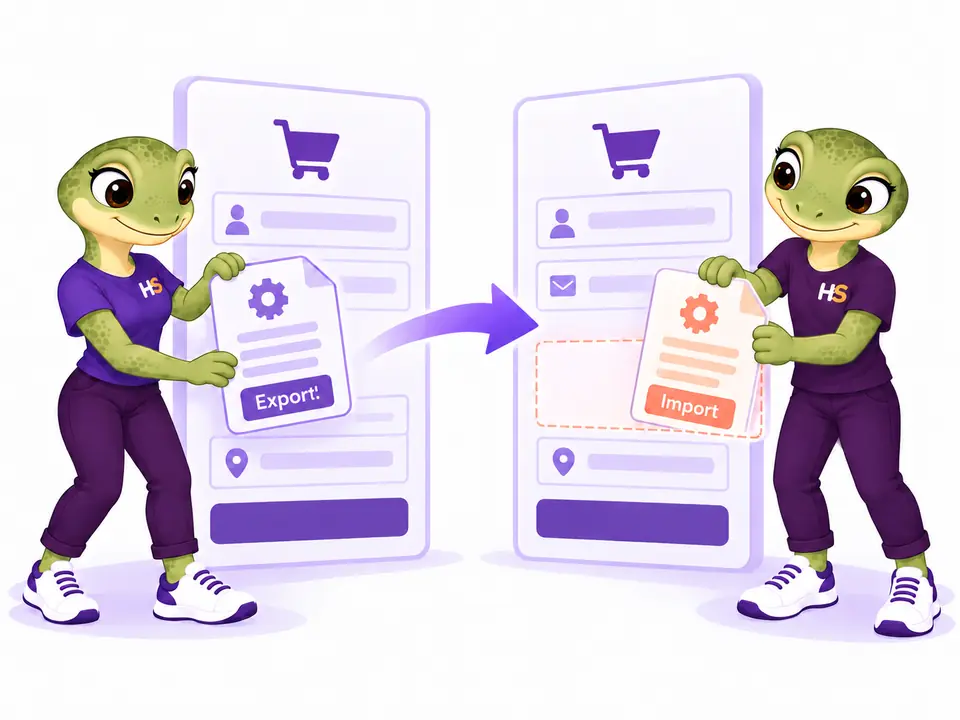
Export checkout templates and import them into another store.
Export your saved draft and import it into another store as a draft. Layout settings and classic field definitions travel together; shopper answers do not. Reselect local images, review the result and apply when ready.
- Transfer configuration without shopper data
- Preview the imported draft before applying
LESS IMAGINING. MORE TRYING.
Try your next WooCommerce checkout.
Explore the checkout as a customer. Make it yours as a store owner.
Be the customer.
Compare checkout templates and follow the steps with a sample cart.
Try frontend demoMake it your store.
Change layouts, branding and classic checkout fields, then preview your design.
Try admin demoYour personal admin demo lasts 60 minutes. Use sample details: no real payments or external emails.
CHECKOUT FIELDS
Edit classic checkout fields for your order details
Add text, email, phone, long text, dropdowns and checkboxes to classic checkout. Change labels, order and supported optional fields, while essential details stay protected.
Preview a saved draft, apply deliberately and keep answers with the order—even after you remove a field.
Explore the field editor →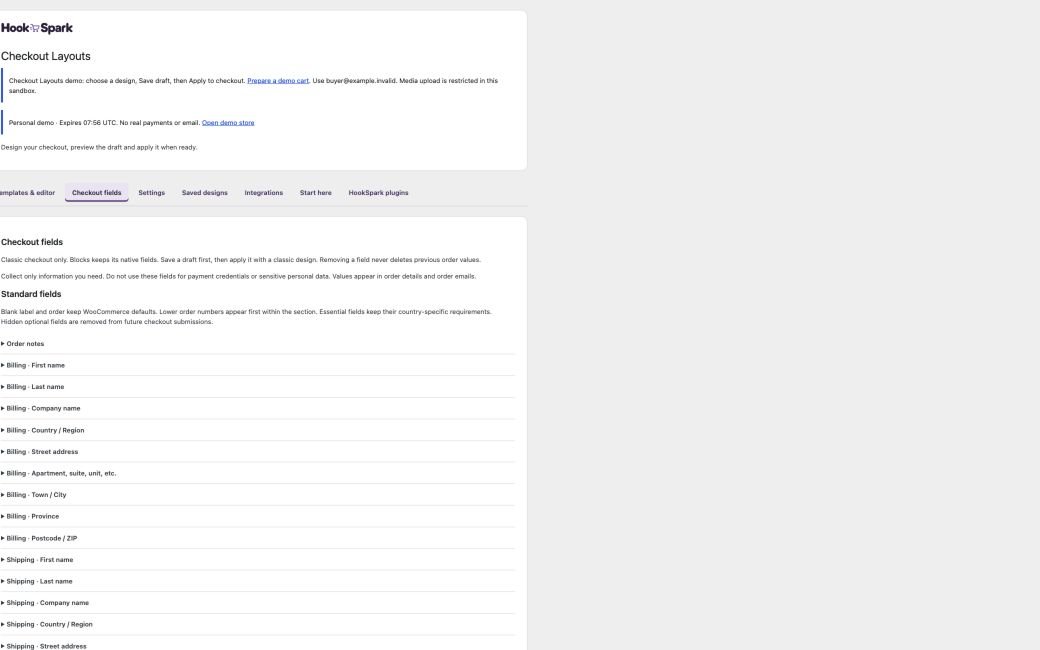
FREE OR PREMIUM?
Start with a simple checkout. Add more design choices with Premium.
Free provides one responsive layout, your shop logo and an accent color. Premium adds the design library, visual editor and classic checkout fields.
| What you can do | Free | Premium Separate plugin |
|---|---|---|
| Native WooCommerce checkout and payments | Included | Included |
| Responsive single-page checkout | Included | Included |
| Shop logo and accent color | Included | Included |
| English and Italian settings | Included | Included |
| Ten classic layouts, including guided designs | Not included | Included |
| Advanced colors, typography, artwork and text | Not included | Included |
| Custom fields for classic checkout | Not included | Included |
| Draft preview and restore previous design | Not included | Included |
| Saved designs and design import/export | Not included | Included |
| Choose your edition | Download Free | Choose Premium |
Free 0.1.0-dev is a development build for staging. Premium 0.4.0-alpha.2 is a separate plugin available with an annual license. Premium takes precedence when both are active. Settings are retained separately. Read the Free guide and tested scope.
Keep WooCommerce checkout validation and totals
Fields, totals, shipping, validation and payment stay with WooCommerce. A Premium local guest-order test combined Min/Max, Dynamic Pricing, Product Options & Add-Ons and Cart Notices & Checkout Messages with the expected €100.80 total and retained order details.
Checkout customizer compatibility and current limits
Requires WordPress 6.8+, WooCommerce 10.6+ and PHP 8.2+. Tested locally on WordPress 7.1.1, WooCommerce 11.1.0 and PHP 8.2.29, with HPOS. Classic checkout was tested on Twenty Twenty-Five 1.5 and a Review virtual mobile order on Storefront 4.6.2.
Classic templates need classic-compatible field and payment plugins. Focus and Compact preserve native Blocks. Stripe, PayPal, wallets and 3DS remain unverified; minimum versions and wider accessibility/theme coverage remain release gates.
Tested platform
WordPress 7.1.1, WooCommerce 11.1.0 and PHP 8.2.29 in the local lab. The minimum-version matrix and online payment gateways remain under review. Checkout field editing applies to classic checkout.
PRODUCT CHANGELOG
Latest updates
Recent development updates. Select a row to read the details.
HS Checkout CustomizerRecover safely from checkout configuration errors0.4.0-alpha.2
Local candidate — publication checks remain open
Recover safely from checkout configuration errors
- Use safe disabled defaults if stored active settings are malformed, without rewriting the original data.
- Confirm settings and saved-design writes before showing success; retain valid submitted editor values if saving fails.
- Keep the native JavaScript-disabled payment warning out of the read-only classic preview.
- Update recovery guidance and verify design import/export and offline checkout orders on the packaged candidate.
HS Checkout CustomizerNew separate Free edition: simple layout, logo and accent color0.1.0-dev
Free development preview
New separate Free edition: simple layout, logo and accent color
- Add one responsive layout for native Classic and Blocks checkout.
- Choose a shop logo and accent color; keep WooCommerce fields, totals and payments.
- Keep Free and Premium settings separate, with Premium taking precedence when both are active.
- Include English and Italian settings, shared HookSpark navigation and server validation. This development package is intended for staging.
HS Checkout CustomizerComplete HookSpark catalog and consistent product icons0.4.0-alpha.1
Development build — release verification remains open
Complete HookSpark catalog and consistent product icons
- Browse all seven HookSpark plugins from the shared catalog.
- Use consistent local product icons and updated translations.
- Find the HookSpark plugins under clearer names that describe their purpose.
WooCommerce checkout customization: common questions
Can I add or remove checkout fields?
Yes, in classic designs. Add six types of custom fields, change labels and display order, and hide or change requirements for supported optional standard fields. Essential fields are protected. Blocks field editing and unrestricted section dragging are not included.
Does selecting a design change my live checkout?
No. Save draft retains your work; Apply to checkout activates it. Restore previous returns to the last active configuration.
Will my payment methods work?
WooCommerce still processes payments. Your gateway must support the selected engine. Online gateways and 3DS have not been certified by our current offline tests.
Can I try the admin?
Yes. Start a personal 60-minute sandbox from the demo page. It uses synthetic data, restricted permissions and simulated payment; media uploads are restricted.
Is it available to buy?
Yes. Choose a license plan below. Your account provides downloads and updates while your license is active. The 1-site plan is €59 for the first year and renews at €79/year. The plan for up to 5 sites is €149/year, including renewal. The launch discount applies only to the first year of the 1-site plan.
Try the WooCommerce checkout customizer
Compare the checkout first. Then try editing it in your own demo.