
 HS Product Options & Add-Ons
for WooCommerce
Add WooCommerce product options and custom fields for engraving, gift wrapping and other personal touches. Offer paid product add-ons, show relevant choices with conditional logic and make extra prices clear before customers add to cart.
- Turn personalization into a paid option.Set extra prices for engraving, gift wrapping and optional services directly on the product page.
- Make choosing feel straightforward.Use conditional fields to show the next relevant choice, instead of displaying every option at once.
- Keep customization details with the order.See the selected product options alongside each ordered item, ready for preparation.
- Offer the right choices to the right customers.Target products, categories, tags and customer roles with inclusion and exclusion rules.
$79.00/year$0.00/yearSave $79.00
First year only · 1 site Then $79.00/year.
Auto-renews annually. Turn off renewal anytime in your account.
1 year of updates & support included.
30-day first-purchase refund, subject to our business terms and refund policy.
MADE FOR REAL STORE SCENARIOS
Add WooCommerce product options and paid add-ons.
Create reusable option groups, choose where they appear and preview your fields before saving. Manage groups from a searchable list with clear activation, duplication and editing controls.
01 / MAKE IT PERSONAL
Add custom product fields and paid product add-ons.
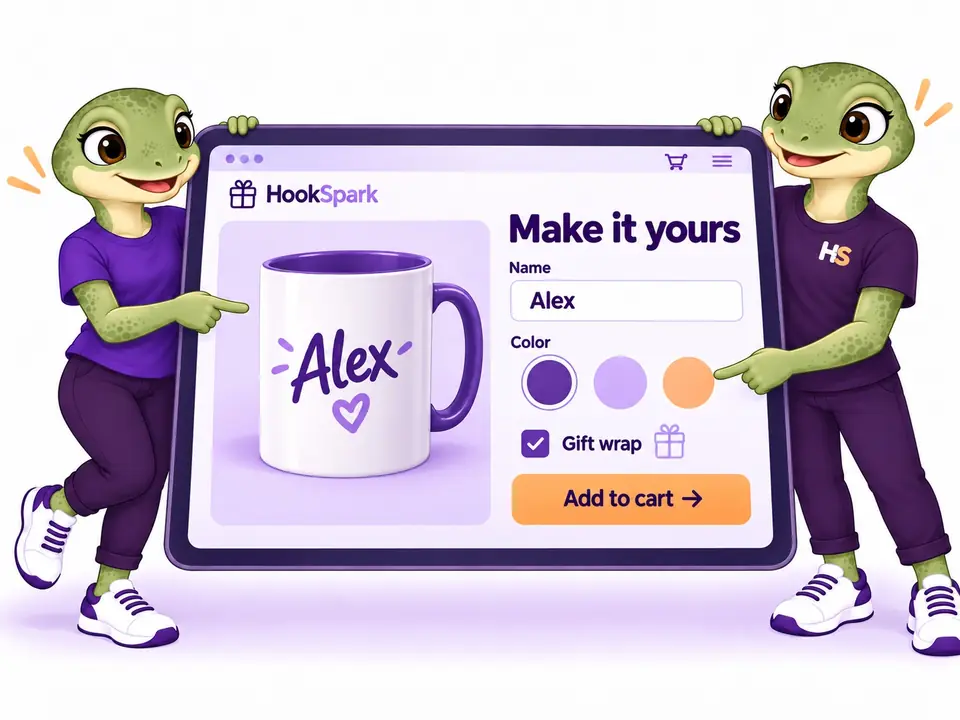
Add fields for names, gift messages and optional services. Set fixed extra prices with Free; use Pro for color and image choices.
- Six field types and fixed extras in Free
- Color and image choices available with Pro

02 / LESS TO THINK ABOUT
Show conditional product options as customers choose.
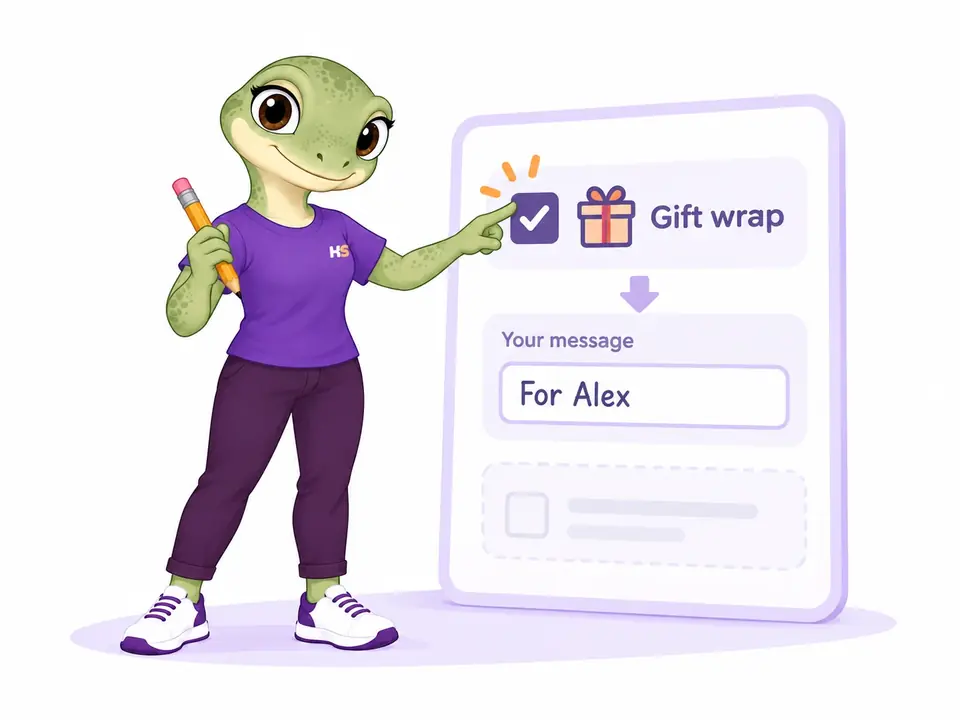
Reveal a message field after gift wrapping is selected. Keep irrelevant fields out of the way; hidden values are cleared and do not add to the price.
- Required checks apply to visible fields
- Pro adds multiple conditions and guided steps
03 / CLEAR EXTRA COSTS
Keep every extra clear, from cart to order email.
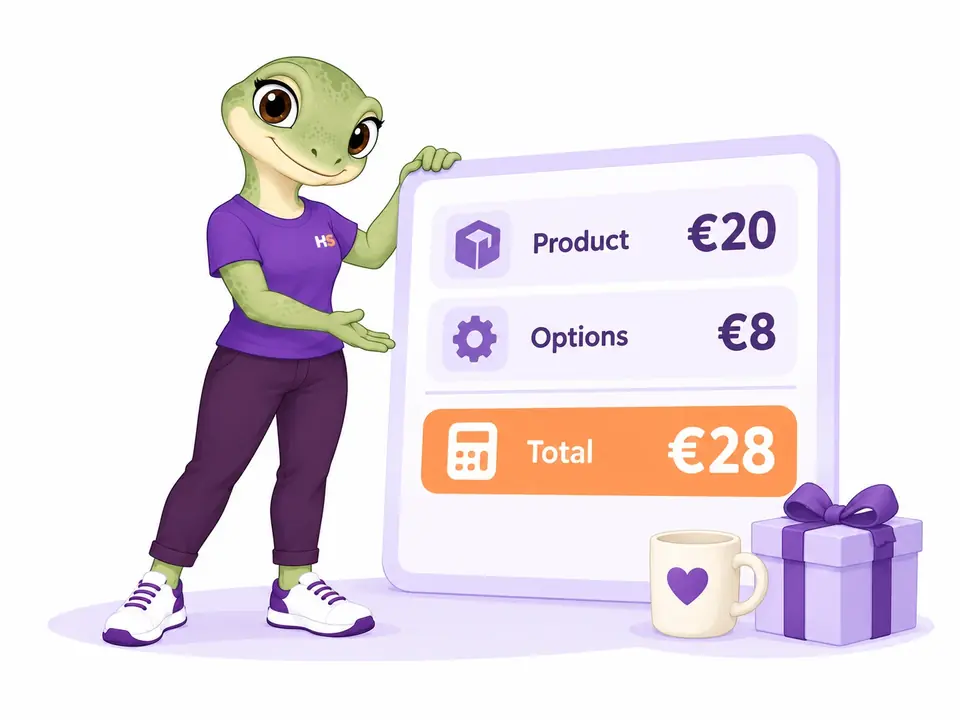
Show the base product, each selected extra and the configuration subtotal in cart and checkout. Save the purchased breakdown in the order and its emails, even if you later change your options.
- Clear rows in Classic and Blocks checkout
- Included in Free; once-per-line pricing available with Pro
04 / PERSONALIZATION PRICING · PRO
Calculate product add-on prices from each personalization.
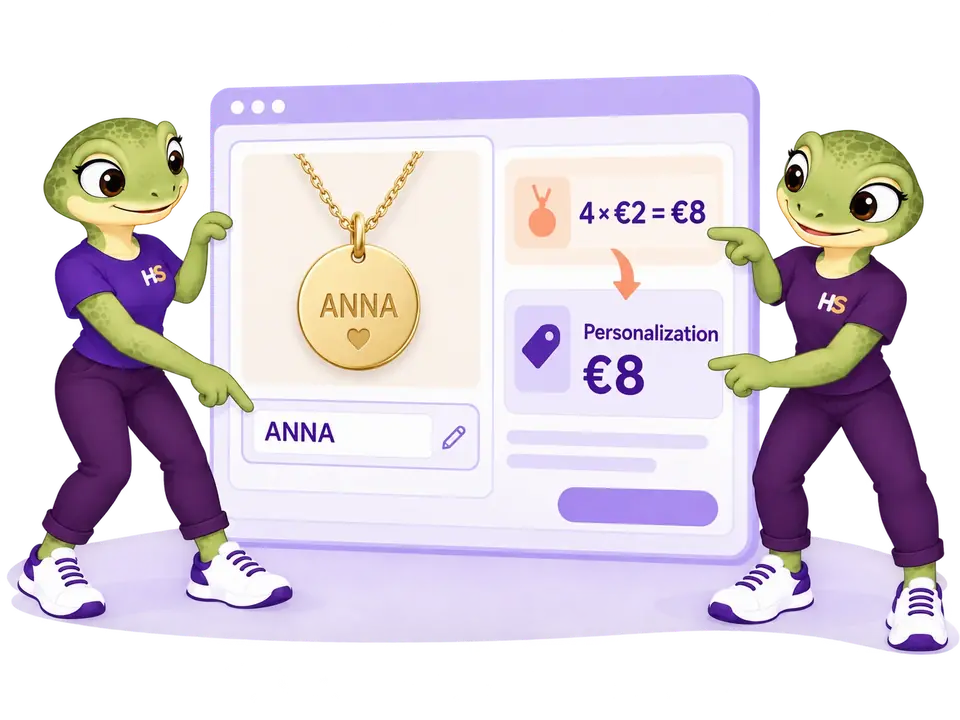
Charge for the text a shopper enters. At €2 per character, ANNA adds €8 before applicable tax and discounts. Pro also supports percentage extras, formulas and a setup charge applied once per customized cart line.
- Use character length, product base price and quantity in formulas
- Keep a once-per-line charge from multiplying with quantity
05 / GUIDED PERSONALIZATION · PRO
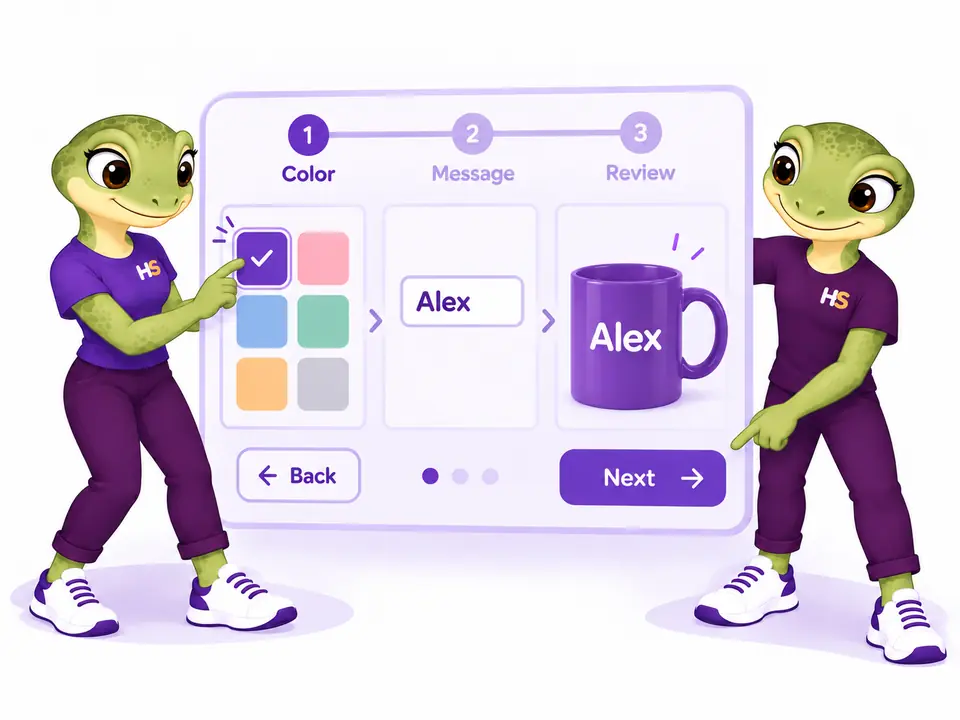
Guide customers through product options step by step.
With Pro, divide a group into named steps such as color, message and review. Customers can move back without losing valid choices; Next checks the visible fields in the current step.
- Organize fields into named steps
- Keep selected extras in the price across steps
06 / EXTRA SALES · PRO
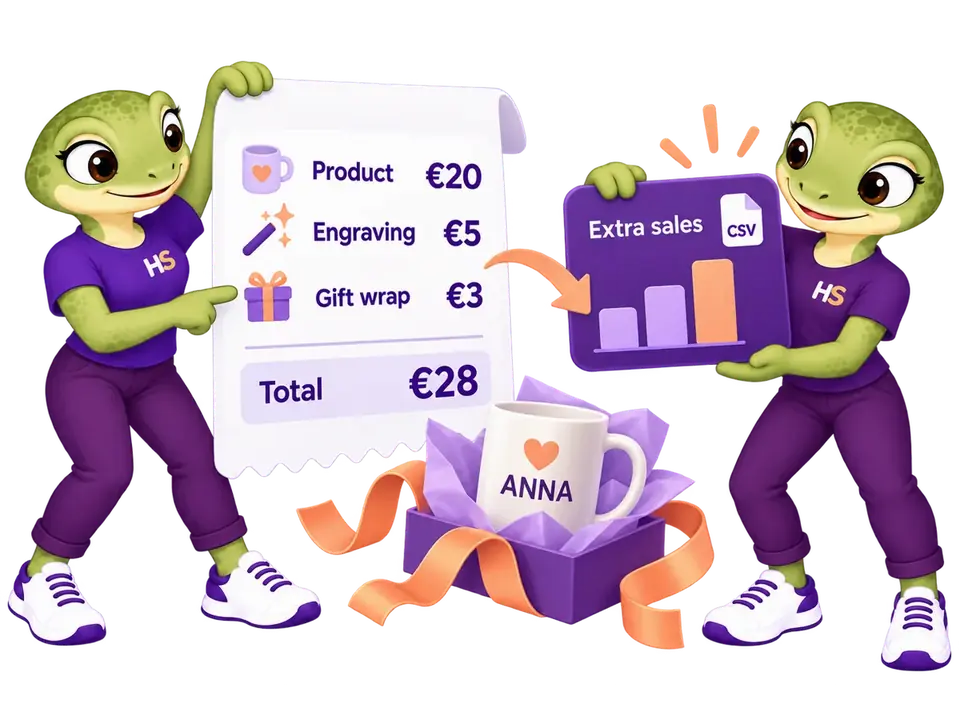
Find out which personalizations customers buy.
Give fields and choices their own extra codes. Review configured units and allocated extra sales by date, then export a CSV to understand demand.
- Account for line discounts and item refunds
- Extra codes identify options; they do not manage stock
07 / ILLUSTRATED EXTRAS · PRO
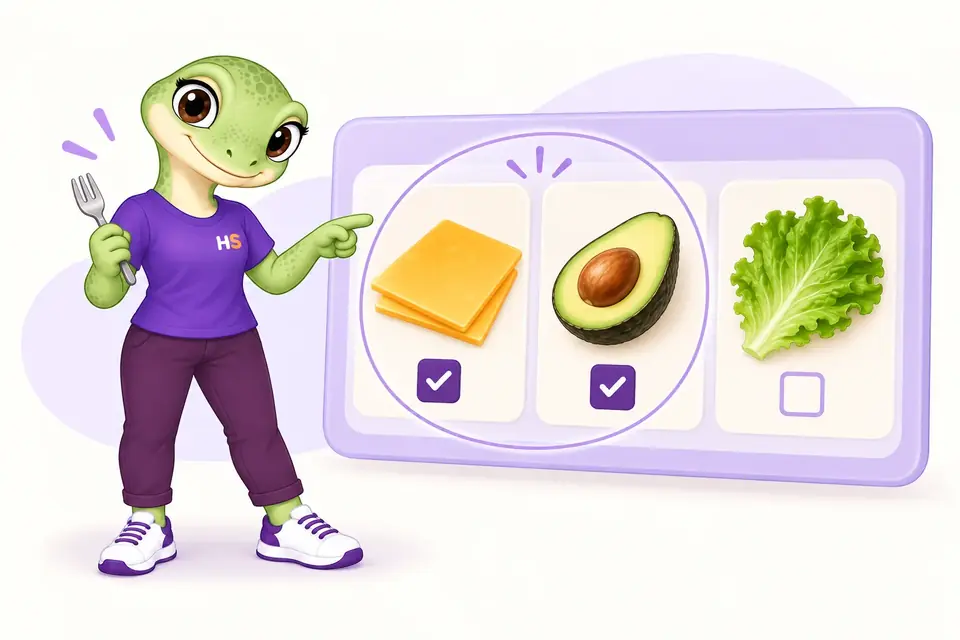
Let customers build their own combination.
Offer multiple image or colour choices and define how many customers can select. Include the cheapest selected extras up to the allowance you set.
- Set minimum and maximum selections
- Show the charge before adding to cart
08 / REAL CATALOG ACCESSORIES · PRO
Sell accessories with their own price and stock.
Connect catalog products or concrete variations to a configuration. Each accessory keeps its native WooCommerce price, tax and stock checks.
- Accessory quantities follow the configured product
- Accessories appear as separate cart and order lines

09 / LIVE DESIGN PREVIEW · PRO
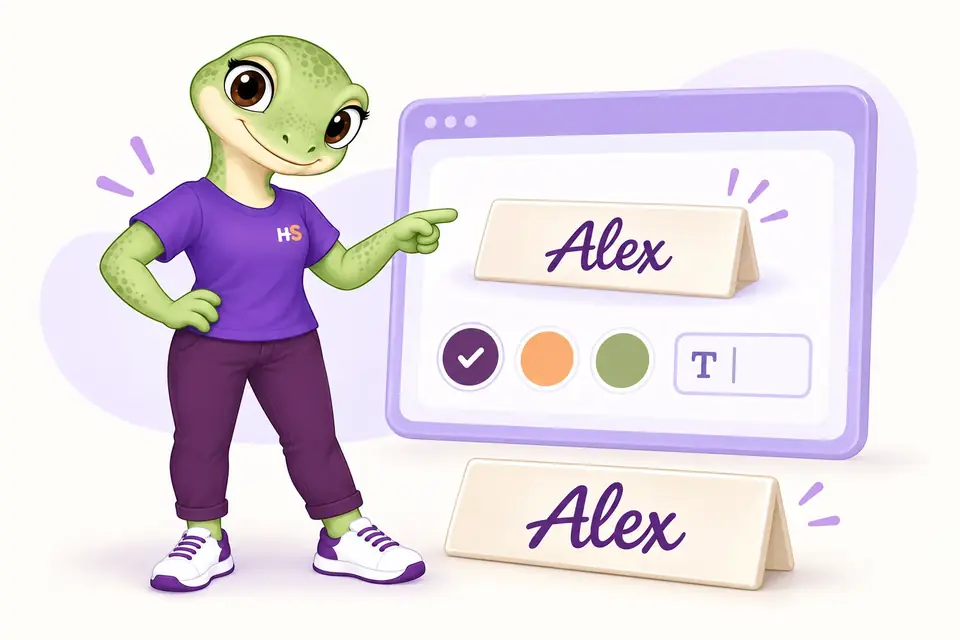
Show their personalization as they choose.
Position text and image-choice layers over a background so customers can preview their design. The preview is illustrative, not a print-ready production file.
- Use merchant-provided backgrounds and image choices
- Keep the chosen values in the order
10 / REFINE BEFORE CHECKOUT · PRO
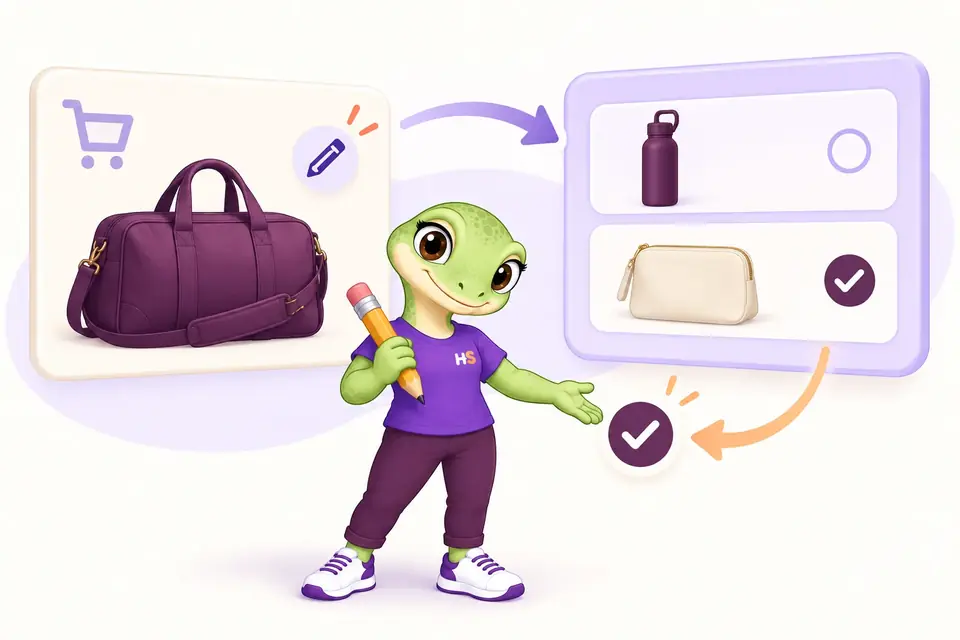
Let shoppers update a saved configuration.
Open the configurator from the cart, adjust the choices and save. Quantity is preserved, and invalid selections leave the previous configuration intact.
- Available from Classic and Blocks cart
- Identical configurations can merge into one cart line
THE PLUGIN IN PRACTICE
See how it works in WooCommerce.
Real examples from the plugin interface. Open an image to inspect the details.


Screenshots show the English interface. Demo products, prices and settings are examples.
LESS IMAGINING. MORE TRYING.
Try WooCommerce product options in action.
Personalize a product. Then build the choices yourself.
Be the customer.
Choose an engraving, add gift wrapping and see how product add-ons change the price.
Try frontend demoMake it your store.
Create fields, set extra prices and try conditional options in your own demo.
Try admin demoYour personal admin demo lasts 60 minutes. Use sample details: no real payments or external emails.
FREE OR PREMIUM?
Start simple. Add more possibilities with Pro.
Free covers everyday product personalization. Premium adds visual choices, advanced pricing and reporting. Pro includes all Free features and runs alongside the Free plugin.
| What you can do | Free | Premium Pro add-on |
|---|---|---|
| Text, long text, numbers, checkboxes, radio buttons and dropdowns | Included | Included |
| Required fields, character limits and number validation | Included | Included |
| Fixed extra prices | Included | Included |
| Simple conditional visibility | Included | Included |
| Include/exclude products, variations, categories and tags | Included | Included |
| Include/exclude customers and user roles | Included | Included |
| Preview, duplicate and manage option groups | Included | Included |
| Extra-cost breakdown in cart, checkout, orders and emails | Included | Included |
| Color swatches, image choices and date fields | Not included | Included |
| Change the product image with a selected option | Not included | Included |
| Private customer artwork uploads | Not included | Included |
| Multiple conditions and guided configuration steps | Not included | Included |
| Percentage, per-character, once-per-line and formula prices | Not included | Included |
| Export and import group configurations | Not included | Included |
| Extra identifiers, option-sales reports and CSV export | Not included | Included |
| Modal product configuration (inline configuration is available in Free) | Not included | Included |
| Multiple visual selections with minimum, maximum and included choices | Not included | Included |
| Date and time with allowed slots and shop time zone | Not included | Included |
| Custom HEX color picker | Not included | Included |
| Headings, information text and dividers | Not included | Included |
| Linked catalog products with native pricing and stock | Not included | Included |
| Composite text and image preview | Not included | Included |
| Customer-entered extra amount with minimum and maximum | Not included | Included |
| Email, website and phone format validation | Not included | Included |
| Edit a configuration from Classic or Blocks cart | Not included | Included |
| Choose your edition | Download Free | Choose Premium |
Free and Pro 1.0.4 are supported releases. Extra codes identify options; they do not manage stock. See reporting limits. Read the tested scope before using either edition.
Connect product add-ons with quantities and discounts
Min/Max counts product units and evaluates amounts including option charges. Dynamic Pricing currently discounts the configured product including extras. In the tested example, two €20 products with €5 options total €50, a 20% promotion gives €40, and an allowed 10% coupon gives €36.
Compatibility
Selected local checks; open the details for exact versions and limits.
Tested scenarios and limits
Astra and WPML: selected 1.0.1 checks
Free and Pro 1.0.2 preserve the runtime tested in 1.0.1 and add dated package documentation. Version 1.0.1 was tested locally with WordPress 7.1.2, WooCommerce 11.1.0, PHP 8.2.29 and HPOS, Astra Free 4.14.0/Pro 4.13.10, WPML CMS and String Translation 5.1.0, and WooCommerce Multilingual 5.6.2. Linked English and Italian products share option-group targeting in the tested product, cart and order flows, including variation, category and tag exclusions. Missing or invalid selections return a controlled Store API 400 response; Classic notices remain available.
Field labels and choice text do not translate automatically. Other default languages, multicurrency, translated-admin editing, email delivery, every Pro option, builders, cache combinations and a full browser/accessibility matrix remain unverified. Read installation and release limits →
Product add-on compatibility and current limits
Tested in Plugin Lab on WordPress 7.1.1, WooCommerce 11.1.0 and PHP 8.2.29 with HPOS. Classic and Store API order paths have local test evidence. The minimum-version matrix and third-party builders are not certified.
Installation and release limits →
Elementor Free: tested shortcode workflow
Product Options & Add-Ons alpha.12 was tested locally with Elementor Free 4.3.1 using its Shortcode widget and the WooCommerce shortcode. The simple-product test covered image choices, modal steps, required fields, a $12 product plus a $2 option, and the configured item in the cart. Mobile layout was checked at 390 px. Environment: WordPress 6.8, WooCommerce 10.6.0, PHP 8.2.29 and Twenty Twenty-Five 1.2.
This scope does not include Elementor Pro Theme Builder, dynamically inserted forms, embedded variable products or upload checkout. Contact Form 7 6.1.7 and Yoast SEO 27.9 were active during the local test. Wider compatibility and stable-release acceptance remain open.
Platform requirements
Requires WordPress 6.8 or later and PHP 8.2 or later. The release lab uses WordPress 7.1.1, WooCommerce 11.1.0, PHP 8.2.29 and HPOS. Test your theme, checkout and third-party integrations on staging before using them on a live store; a minimum WooCommerce version is not declared.
Elementor Free and Pro: 9 October 2026
Free and Pro option groups, conditional required fields and extras were checked in the Pro Single Product Add to Cart widget. Free options were also checked with Elementor Free Shortcode; native Cart/Checkout journeys retained selected options and amounts.
Uploads, dynamic widget insertion and every variation/field combination remain store-specific checks. Labels do not translate automatically.
Checked with Elementor Free 4.3.4 and Pro 4.3.1 on WordPress 7.1.3, WooCommerce 11.1.0 and PHP 8.2.29.
PRODUCT CHANGELOG
Latest updates
Recent development updates. Select a row to read the details.
HS Product Options & Add-OnsElementor Free and Pro: tested WooCommerce pathsTested 1.0.4
Selected local builder checks — see scope and limits
Elementor Free and Pro: tested WooCommerce paths
- Free and Pro option groups, conditional required fields and extras were checked in the Pro Single Product Add to Cart widget. Free options were also checked with Elementor Free Shortcode; native Cart/Checkout journeys retained selected options and amounts.
- Uploads, dynamic widget insertion and every variation/field combination remain store-specific checks. Labels do not translate automatically.
- Test stack: Elementor Free 4.3.4 / Pro 4.3.1, WordPress 7.1.3, WooCommerce 11.1.0, PHP 8.2.29, Twenty Twenty-Five.
- All supplied editions include dated compatibility notes inside their ZIP package; the first browser checks were recorded on 9 October and final native checks on 10 October.
HS Product Options & Add-OnsConnect your AI and review configuration proposals1.0.3
Optional AI access — human approval required
Connect your AI and review configuration proposals
- Read supported plugin configuration and prepare validated proposals through the official WordPress MCP Adapter.
- Use one HookSpark AI access switch and review screen for installed plugins; the same WordPress user approves changes within 15 minutes.
- Manual configuration remains available. AI proposals do not automatically apply changes or execute customer transactions.
HS Product Options & Add-OnsWPML compatibility: translated product targeting in 1.0.11.0.2
Compatibility documentation update — selected tests and limits apply
WPML compatibility: translated product targeting in 1.0.1
- In selected local tests, an option group targeting the original English product also followed its linked Italian translation.
- The same 1.0.1 candidate returns Store API 400 for missing or invalid required choices instead of 500.
- Field labels and choice text still require explicit translation.
- Package documentation: 1.0.2 includes the dated compatibility note; underlying test versions and limitations are recorded below.
HS Product Options & Add-OnsConfigure products inside Elementor Free shortcode pages0.1.0-alpha.12
Development preview
Configure products inside Elementor Free shortcode pages
- Load modal, visual choices, conditions and step assets for WooCommerce product_page shortcodes in Elementor Free Shortcode widgets and ordinary pages.
- Locally tested simple-product configuration, required fields, price and cart; Elementor Pro Theme Builder and dynamic forms remain outside verified scope.
HS Product Options & Add-OnsAstra compatibility: selected Product Options & Add-Ons checksTested 1.0.2
Compatibility documentation update — selected tests and limits apply
Astra compatibility: selected Product Options & Add-Ons checks
- Free and Pro 1.0.1 product, cart and order flows were exercised with Astra Free and Pro on the recorded HPOS lab.
- The earlier 1.0.0 Store API validation defect is addressed in the local 1.0.1 candidate; full Astra module and browser coverage remains unverified.
- Test stack: WordPress 7.1.2, WooCommerce 11.1.0, PHP 8.2.29, HPOS, Astra Free 4.14.0/Pro 4.13.10, WPML CMS/String Translation 5.1.0 and WCML 5.6.2.
- Package documentation: 1.0.2 includes the dated compatibility note; underlying test versions and limitations are recorded below.
WooCommerce product add-ons: common questions
What does Free include?
Six field types, fixed extras, required-field checks, simple conditions, product and customer targeting, preview and order details. Free runs without Pro.
What does Pro add?
Visual choices, dates, private artwork uploads, compound conditions, steps, advanced prices, configuration import/export, extra codes and option-sales reports with CSV export. Pro requires Free. The license selector shows the payment currency, the first-year offer and the annual renewal amount for each plan.
Are hidden options charged?
No. Hidden values are cleared and excluded from calculation. Required validation applies when the field is visible.
Do groups override one another?
Matching groups add their fields and charges. They do not override one another. Check the other matching groups in preview and test the combined storefront.
Can I edit the demo?
Yes. Create a personal 60-minute sandbox. It contains fictional products and restricted access, with no real payments or external email.
Is this ready for a live store?
Free and Pro are supported releases for the documented scope. Check compatibility and test your own store on staging before installing on a live site.
Does the date and time field book an appointment?
No. It collects a preferred date and time within the rules you set. It does not reserve capacity or manage appointment availability.
Which options are included when I allow free selections?
The cheapest selected options are included first, up to the allowance you set. Other selected options keep their listed extra charge.
Does a customer-entered amount replace the product price?
No. It is an extra amount per unit, added to the product price, within the minimum and maximum you define.
Is the composite preview a print-ready file?
No. It is a storefront preview of text and image-choice layers. It does not generate production artwork, 3D models or customer-upload overlays.
What happens to modal groups without Pro?
Supported fields appear directly on the product page, and the modal preference is retained. Other Pro-only field types and pricing still require the Pro add-on.
Do option groups follow translated products?
With WPML and linked English/Italian translations, an original product target also matches the translated product in the tested 1.0.1 flows. Exclusions retain priority. Field labels and choice text still need separate translation.
OPTIONAL AI CONNECTION
Describe your setup. Review the proposal.
Connect your compatible AI client to read supported settings and prepare a configuration proposal. Prepare a product option group with fields, choices and supported presentation settings.
- Enable access once in HookSpark → Connect your AI.
- Ask your AI to prepare supported changes.
- Review the details in WordPress and approve before anything is saved.
One connection serves your installed HookSpark plugins. Manual controls remain available. Proposals expire after 15 minutes and must be approved by the same WordPress user.
See connection requirements, supported actions and setup steps →
Try WooCommerce product options in the demo
Start with gift wrapping, then explore pricing and a guided configurator.