All documentation · Plugin overview
Test steps, errors and digital carts
Follow the actual checkout rather than the static editor preview.
Version 0.4.0-alpha.1 · Development alpha · Updated 20 September 2026
Choose a flow
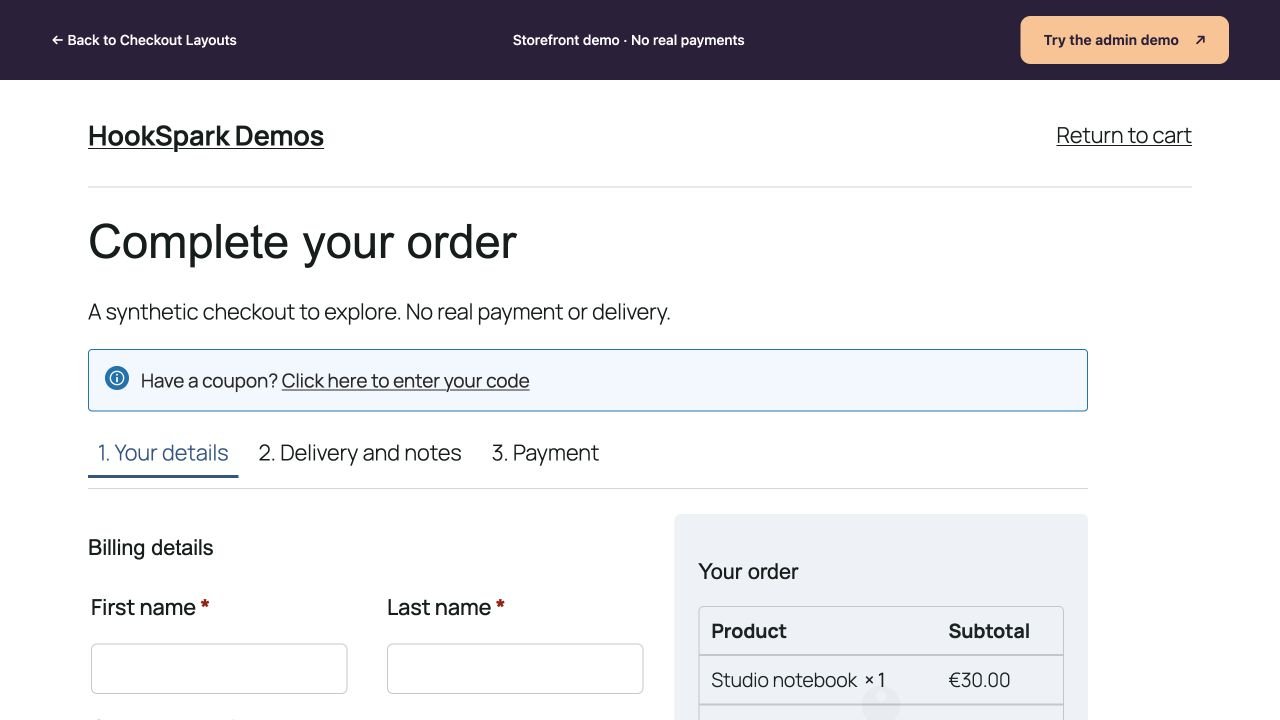
Soft Cards expands one section at a time. Guided uses a linear sequence. Review adds a separate review screen before payment. Apply the design and open the active checkout: scripts are deliberately disabled inside the editor preview, where all sections remain visible.
Test the correction path
- Leave the email empty and press Continue. The step must remain open and focus the missing field.
- Fill your synthetic billing details. If needed, select Ship to a different address and enter a separate delivery address.
- Use Back or Edit details, change a value and advance again. Check the updated summary.
- Use Show all sections to return to the complete form. Server validation still controls submission.
Server errors open the relevant section and focus its field where the error can be mapped; other errors reveal the whole form and its error notice. Payment providers must still be tested individually.
Virtual products
WooCommerce decides whether shipping is needed. If the delivery/notes section has no fields, the guided checkout skips it and renumbers the remaining steps. If order notes are enabled, that section may still be useful. Billing requirements are retained. Review does not invent a delivery address for a virtual cart.
Acceptance example
On Storefront 4.6.2 a €10 virtual item with notes disabled completed Details → Review → Payment and a native offline order. This is not a Stripe, PayPal or 3DS certification.