

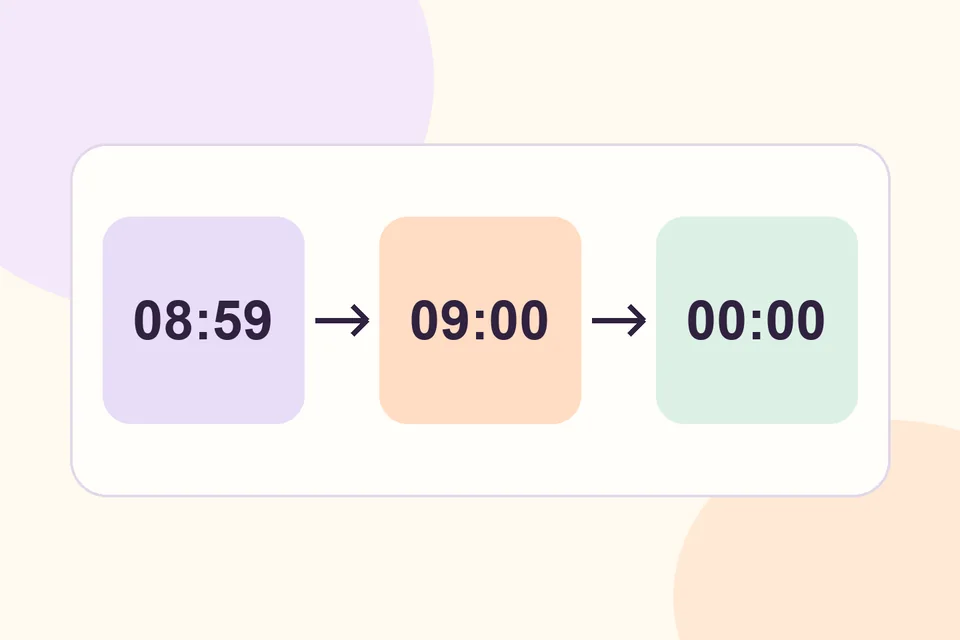
Set a start and end on your pricing rule when a promotion must follow a specific window. HookSpark uses the site’s timezone for the campaign calendar and treats the end as exclusive. A rule ending Monday at midnight is already outside its window when that time arrives.
Choose the right kind of promotion
A scheduled sale price may be enough for a single product. Use a HookSpark Dynamic Pricing rule when the offer also needs a condition such as a minimum quantity. For a weekend notebook promotion, give shoppers 10% off eligible units when they buy at least three. The rule needs both the quantity threshold and the campaign window to match.
Set the campaign window
- Check the WordPress timezone under Settings → General. Choose the timezone you use to announce the offer.
- Target the notebooks and create the rule with a three-unit threshold and a 10% discount on eligible units.
- Enter Saturday at 09:00 in Starts (site timezone) and Monday at 00:00 in Ends (site timezone, exclusive). Leave the daily time fields empty for a continuous campaign.
- Save and enable the rule on staging, then confirm that the selected products and conditions match the brief.
Check the cart before, during and after
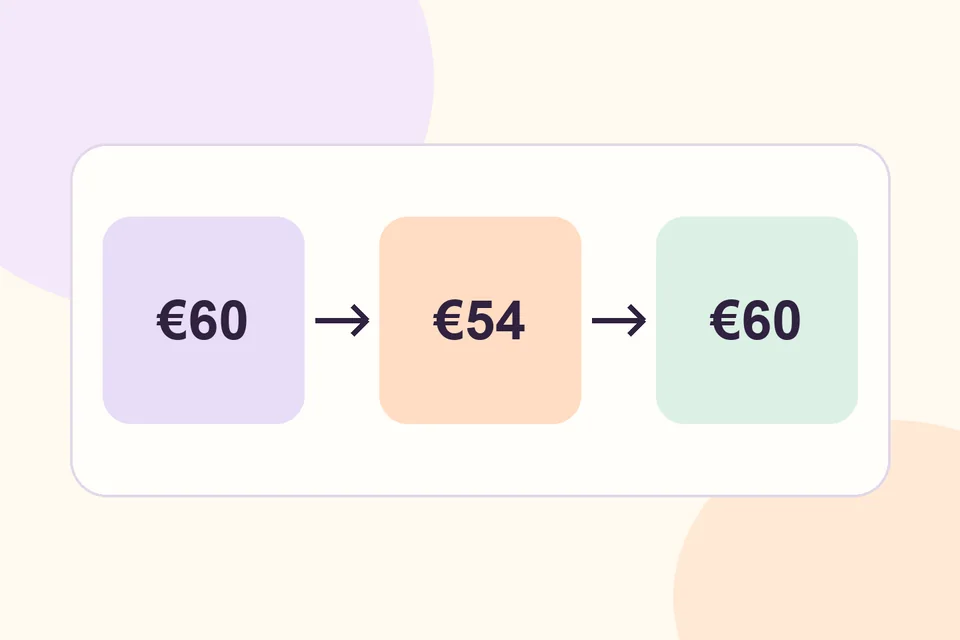
Three €20 notebooks give a €60 line subtotal before the start. At 09:00 on Saturday, the same three eligible items give €54. At 00:00 on Monday, expect €60 again. During the campaign, two notebooks should still total €40. Compare on the same tax basis with other promotions disabled for the test.
Keep a cart open through the cutoff. Update a quantity or reload the cart, then inspect the recalculated subtotal and repeat at checkout. If the result differs, review the product scope, timezone and coupon stacking settings.
What about recurring evening offers? The daily time fields add a recurring restriction within the overall campaign dates. Leave them empty for the continuous weekend example.