
 HS Back in Stock & Waitlist
for WooCommerce
Turn an out-of-stock product into a clear next step. Customers join the waitlist for the exact product or size they want and receive a back-in-stock email when it becomes available. Start with Free; use Pro to control larger or limited restocks.
- Give sold-out shoppers a next step.Offer an email alert for the product or size they want.
- Bring customers back when stock returns.Link the notification to the exact product or variation.
- Confirm requests before sending.Include email confirmation, cancellation and privacy controls in Free.
- Control small restocks with Pro.Limit invitations by stock and choose sending waves and schedules.
$49/year$39/yearSave $10
First year only · 1 site Then $49/year.

Planned: 1 year of updates & support
Planned 30-day money-back guarantee ·
MADE FOR REAL STORE SCENARIOS
Let customers join a waitlist. Control the next restock.
Give an unavailable product a clear next step, then manage the return to stock with the controls your store needs.
01 / THE RIGHT PRODUCT. THE RIGHT SIZE.
Let customers request an alert for a sold-out product or size.
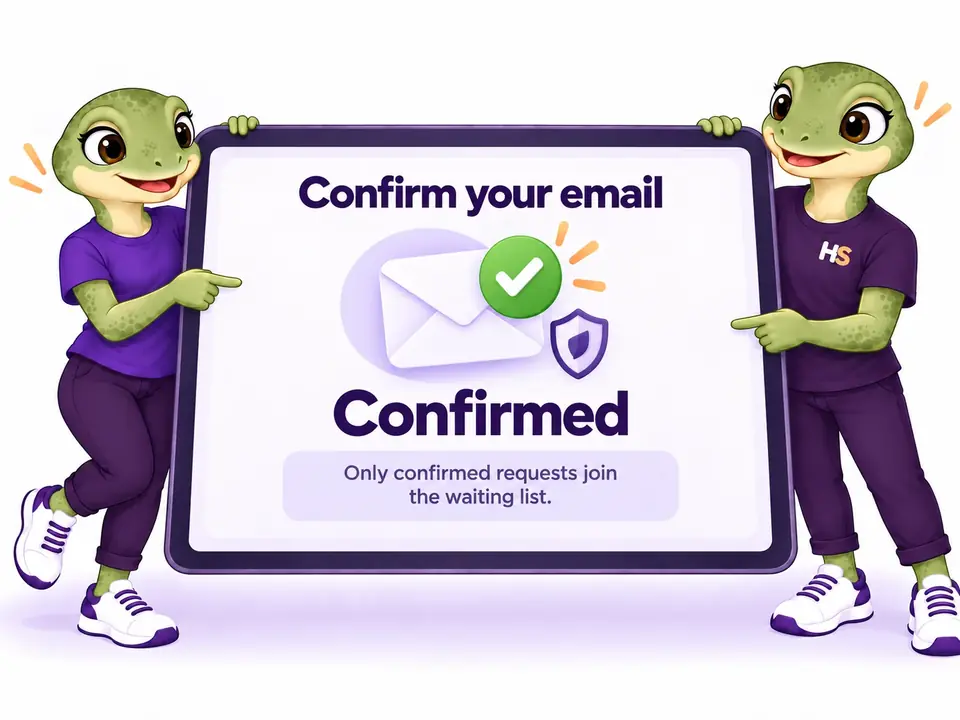
Show the request where the choice happens. On a variable product, the waitlist belongs to the selected size. Customers confirm their email before the request joins the waiting list.
- Product and variation alerts in Free
- Confirmation and cancellation links included

02 / CONFIRMED INTEREST. CLEAR CHOICES.
Build your waitlist from confirmed requests.
Free includes email confirmation before a request joins the waiting list. Customers can cancel their request using a dedicated link, and you can set the privacy wording for your store.
- Email confirmation included in Free
- Cancellation and configurable privacy wording
03 / CONTROL THE NEXT RESTOCK
Limit restock invitations to the stock you have.
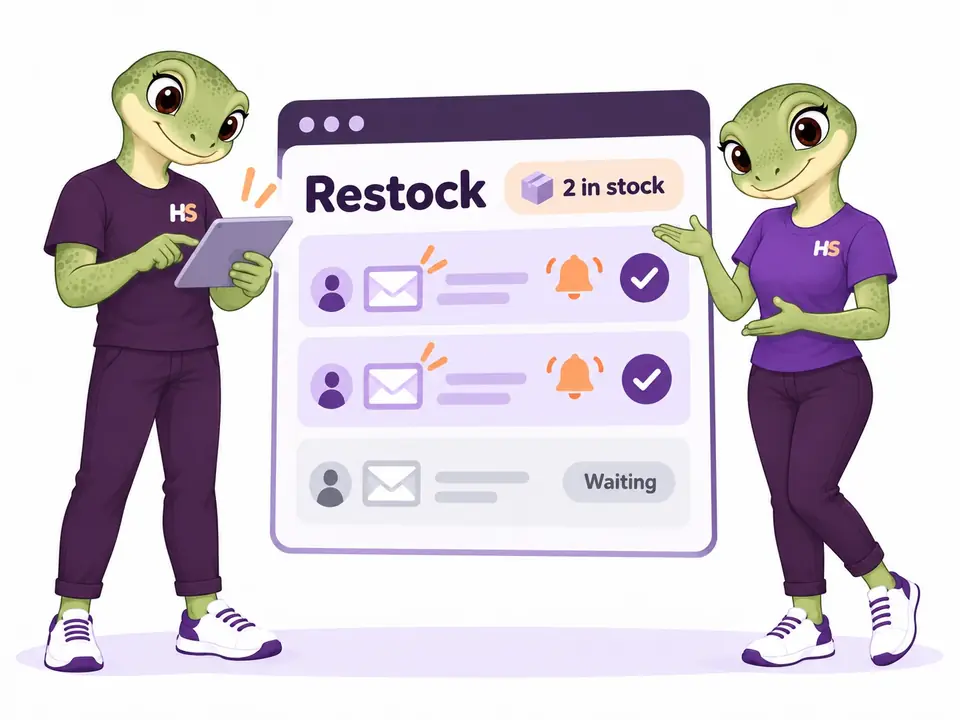
With Pro, release invitations in waves instead of contacting the whole list at once. Set an invitation budget based on available units. Background jobs check stock again before sending.
- Stock-aware invitation budget and sending waves
- Availability checked again before each send
04 / YOUR STORE. YOUR TIMING.
Choose when restock alerts leave your store.
With Pro, schedule a future campaign, add a sending delay and define quiet hours in your store timezone. Pause and resume a campaign while keeping control of the requests still waiting.
- Scheduled campaigns and quiet hours
- Pause and resume sending in Pro

05 / ONE MORE CHANCE TO RETURN.
Send one useful reminder while stock is still available.
Enable an optional Pro reminder for eligible customers who have not purchased. Availability and request status are checked again before sending. You can also add a single-use coupon to the notification.
- Optional single reminder with eligibility checks
- Single-use coupon available in Pro

06 / SEE WHAT CUSTOMERS ARE WAITING FOR.
Use waitlist demand to guide your next restock.
Search requests and export filtered lists in Free. With Pro, inspect demand and qualifying purchases associated with notifications, including product-line revenue adjusted for refunds.
- Search and filtered CSV export in Free
- Demand and purchase reports in Pro

LESS IMAGINING. MORE TRYING.
Try a stock alert from both sides.
Request it as a customer. Manage it as a store owner.
Be the customer.
Explore an unavailable product or size and the guided confirmation flow.
Try frontend demoMake it your store.
Edit the form and campaigns, restore stock and inspect captured demo emails.
Try admin demoYour personal admin demo lasts 60 minutes. Use sample details: no real payments or external emails.
WooCommerce waitlist: Free alerts, Premium restock control.
Free handles the complete request-to-alert flow. Premium adds controls for small restocks, follow-ups and demand reporting.
| What you can do | Free | Premium Pro add-on |
|---|---|---|
| Product and variation requests | Included | Included |
| Email confirmation and cancellation | Included | Included |
| Form, email and privacy controls | Included | Included |
| Waitlist search and filtered export | Included | Included |
| Stock-limited invitations and sending waves | Not included | Included |
| Delays, quiet hours and category rules | Not included | Included |
| Optional reminder and single-use coupon | Not included | Included |
| Recurring alerts and expected restock date | Not included | Included |
| Demand and purchase reporting | Not included | Included |
| Authorized import and signed webhook | Not included | Included |
| Explore the development preview | Try Free featuresPublic downloads are not open. | Try Pro controlsPurchasing is not open. |
Development preview: public downloads and purchases remain closed. Preview pricing is shown above.
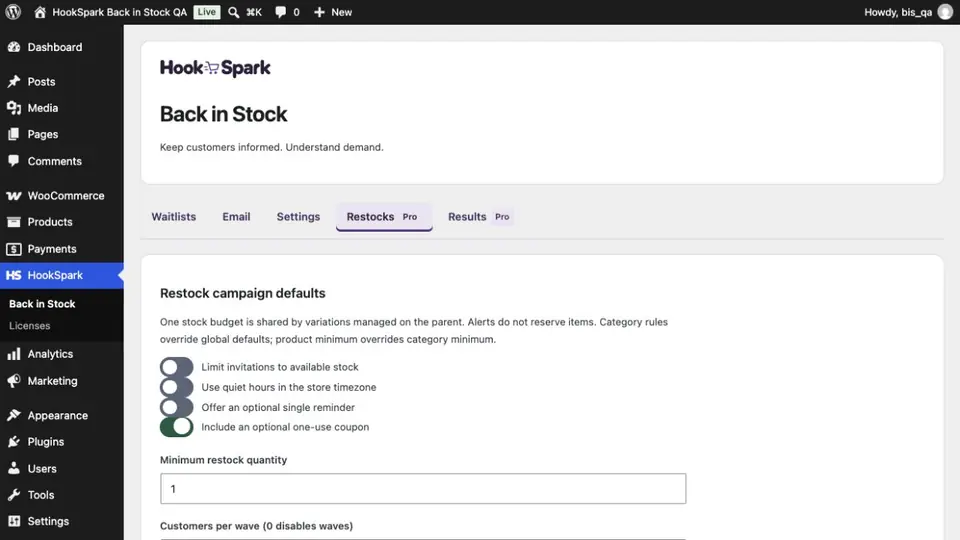
A practical Back in Stock dashboard for your team.
Search and export requests, test your alert email and check the sending queue in Free. In Premium, preview an invitation wave, set quiet hours and review associated purchases.
Tested scope, explained plainly.
Local checks use WordPress 7.1.2, WooCommerce 11.1 and PHP 8.2.29, with HPOS and legacy order storage. The customer form has been checked with Storefront, Twenty Twenty-Five, the WordPress block and Elementor Free 4.3.3.
These checks do not certify every theme, builder or older platform version. Test your store in staging. SMTP delivery, public license updates and the full accessibility audit still need release acceptance.
Tested platform
Local lab: WordPress 7.1.2, WooCommerce 11.1 and PHP 8.2.29. HPOS and legacy storage have native checks. Header minimum versions have not been certified; public delivery, licensing and accessibility acceptance remain open.
PRODUCT CHANGELOG
Latest updates
Recent development updates. Select a row to read the details.
HS Back in Stock & WaitlistStock alerts, controlled restocks and guided demos0.1.0-alpha.1
Development preview — public release acceptance pending
Stock alerts, controlled restocks and guided demos
- Customer product and variation requests with confirmation and cancellation.
- Grouped HookSpark admin and Pro campaign controls.
- Synthetic customer and personal admin demo templates.
Fits the WooCommerce product journey.
Requests use native product and variation identities. Pro reports associate qualifying WooCommerce purchases within the configured window. Product requests from a WordPress block or an Elementor Free shortcode use the same confirmation flow.
No marketing-platform synchronization or WhatsApp/SMS delivery is claimed.
Back in Stock and waitlist questions.
Does an alert reserve stock?
No. Stock can sell out before the customer returns. Pro can limit invitations to stock, but does not reserve products.
Can customers request a specific size?
Yes. Requests follow the selected variation. Variations managed by the parent share its stock budget.
What is included in Free?
The complete request, confirmation and restock email flow, customization, waitlist management and privacy tools. Pro adds campaign controls and reports.
Will the demo send email to me?
No. Use customer@example.invalid. Personal demos capture messages in their own inbox, including confirmation links.
How do WooCommerce back-in-stock emails work?
A shopper requests an alert for an unavailable product or variation and confirms their email. When stock becomes available, the plugin queues a product-linked notification and checks availability again before sending.
Do I need Premium to send stock alerts?
No. Free includes the customer form, confirmation, automated restock emails, cancellation, request management and privacy controls. Premium adds waves, scheduling, reminders, coupons and reports.
Can I use the waitlist with variable products?
Yes. A request follows the unavailable variation the shopper selected, such as a size. The notification links back to that product choice.
Why has a customer not received an alert?
Check confirmation status, current stock, the sending queue and your store email provider. A message accepted by the mailer is not proof of inbox delivery. The setup guide covers these checks.
Can I buy Pro now?
Purchasing remains closed while release checks are completed. Preview pricing is shown above.
How are customers removed from a list?
Customers can cancel using the email link or their account. Store owners have retention, export and erasure tools.
See both sides of the stock alert.
Explore the customer request, then try the controls in a personal demo.
Try the frontend demo ↗Try the admin demo ↗