

Set the deadline when preparing the proposal the customer will receive. The original request tells you what they want. The proposal contains the reviewed terms and the time by which they can make a decision.
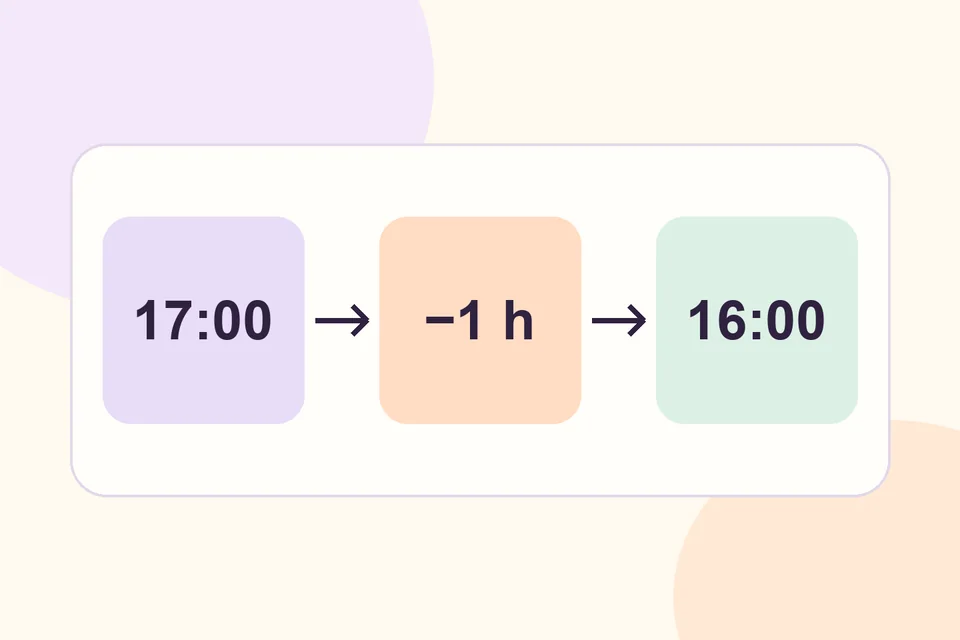
Enter the deadline in UTC
Open the request in HookSpark Request a Quote and review products, quantities, prices and shipping. In the Free proposal editor, Valid until (UTC) takes UTC. To close an offer at 17:00 in Rome on 12 November 2026, enter 16:00 UTC on 12 November. Recalculate the conversion when the date or timezone changes.
Check the proposal before publishing the test revision. Give customers an unambiguous deadline in the message, such as “Valid until 12 November at 17:00, Rome time.” Include the year when the date could be unclear.
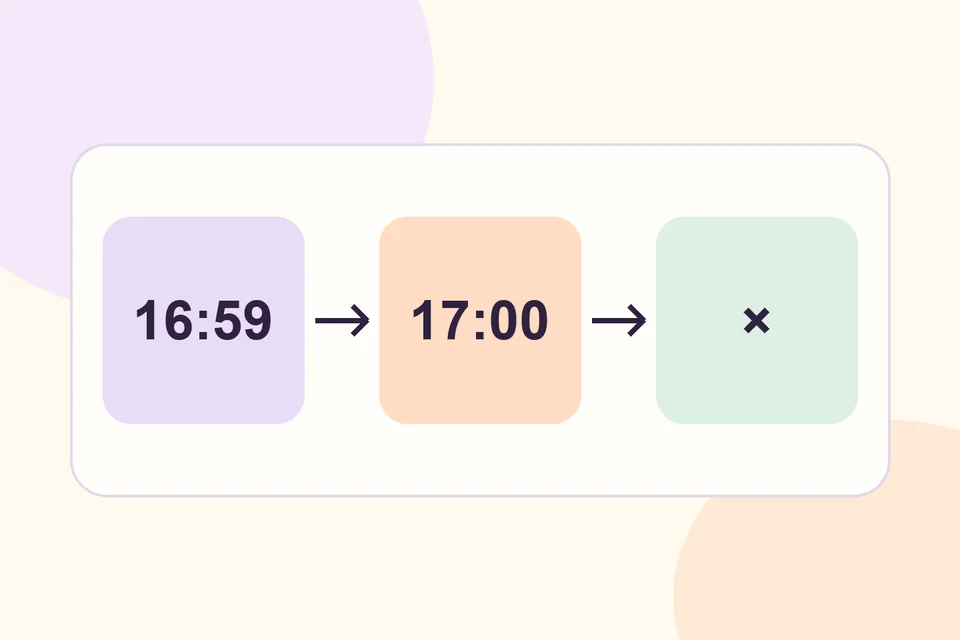
Test both sides of the deadline
Create two separate test proposals. Accept the first while it is still valid. Let the second expire and check that a new decision is refused at the cutoff. Separate proposals let you test a fresh acceptance in both cases.
If the customer comes back later, review prices, stock and shipping before publishing a revised offer with a new deadline. Refer the customer to the latest revision. Acceptance of a proposal and any later order or payment steps belong to separate parts of the workflow.
Can I check the guest experience? Start with a guest quote request and then open the customer-facing proposal through the private route supplied by your setup.