
Choose artwork and personalize the gift
Version 0.2.0-beta.4 · Beta release
Setup
Open HookSpark → Gift Cards → Gallery. The original Celebrate, Thanks and Love artwork is ready to use. Add your own images through the WordPress media selector, assign names and occasions, and save. Use files you have permission to distribute.
Try it and check the result
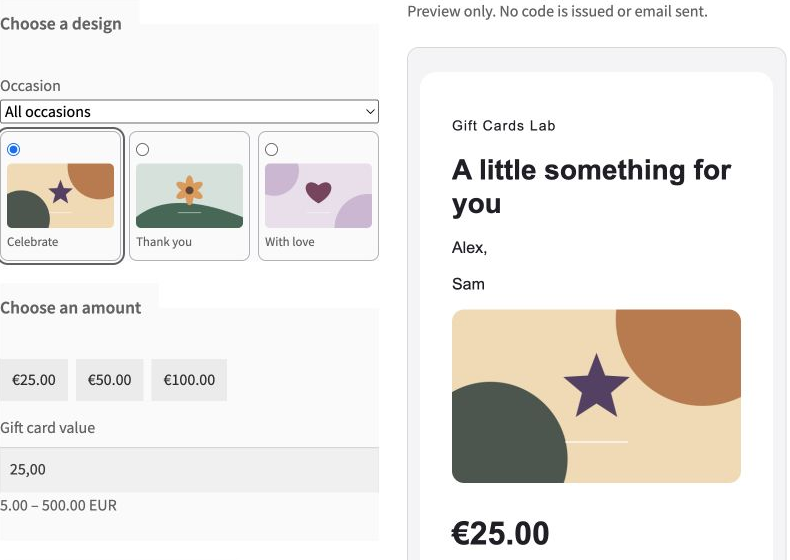
On the gift product select an occasion, choose artwork and enter sender, recipient and a personal message. Filtering an occasion keeps an already selected design. Review the composition before adding it to the cart. Buy for myself uses the purchaser’s email at checkout.
Limits and troubleshooting
Use readable landscape images. Past purchases retain their artwork URL and composition, not an immutable copy of the image file: deleting or replacing media can change their appearance. The temporary demo restricts media upload; test your own uploads on staging.
Continue in the handbook
Customer photo artwork
Customers can upload a JPEG, PNG or WebP image up to 5 MB and 6000 × 6000 pixels after confirming they may use it. The selected artwork is stored with the order and card. An upload that never reaches an order or card is scheduled for deletion after 30 days.